How a Discord AI Chat Bot Improves Community Conversations
A Discord AI chat bot brings conversational AI into server channels so members can ask questions, find information, and participate more easily. Antibot by Techies Lab extends that experience with community memory, recaps, engagement, moderation support, and administrative insights. This guide explains how these bots work, what to evaluate, and how to introduce one responsibly.
Discord reports more than 200 million monthly users, with apps used by over 25% of them. Conversational assistants can reduce repetitive questions and support participation, but their value depends on appropriate permissions, reliable responses, and active human oversight.
Key Takeaways
- A Discord AI chat bot understands natural-language requests and replies inside approved channels, threads, direct messages, or command interactions.
- The best setup balances useful context, controlled participation, privacy, moderation boundaries, and a clear path to human support.
- Hosted bots launch quickly, custom integrations provide greater control, and managed assistants add broader community-management capabilities.
- Antibot combines conversation with member context, research, recaps, engagement, activities, moderation support, and operational insights.
What Is A Discord AI Chat Bot?
A Discord AI chat bot is an application that interprets natural-language messages and generates relevant replies inside Discord. Traditional bots often wait for exact slash commands, while conversational bots can understand questions, follow context, explain information, and continue a discussion across several messages.
The term covers several products. A hosted Discord chatbot may provide a quick invitation and a dashboard. A custom integration may connect a Discord application to an external AI model through server-side code. A managed Discord AI assistant can combine conversation with community knowledge, member context, recaps, engagement, moderation support, and administrative tools.
Server owners should define the intended job before selecting a product. A support community may want answers grounded in documentation. A creator server may value brainstorming and summaries. A gaming community may prioritize onboarding, event reminders, and natural participation. Clear goals prevent the bot from becoming an unfocused feature that talks frequently without solving meaningful problems.
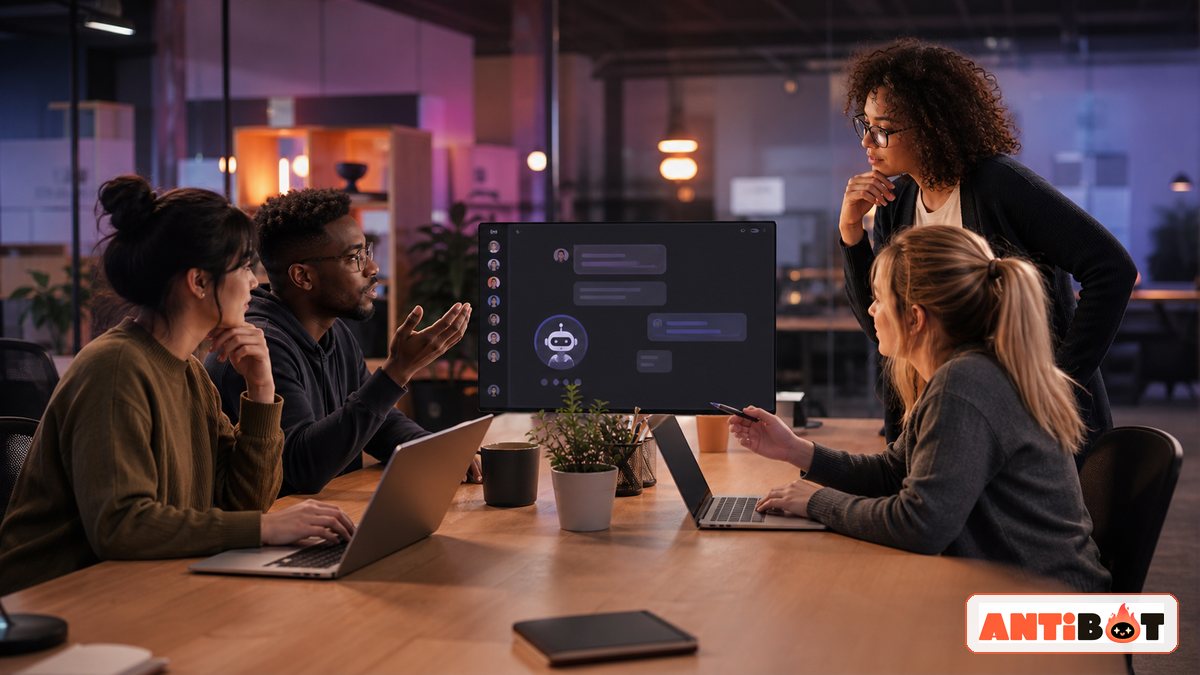
How Does A Discord Chatbot Work?
A Discord chatbot sits between permitted Discord interactions and an AI service. Discord controls where the application can operate, while the bot provider controls how messages are processed, which context is included, and how generated responses are returned.
Basic Conversation Flow
- A member sends a message, mention, reply, or application command in an enabled channel.
- The bot receives only the event data and message content allowed by its permissions.
- The application checks the member, channel, rate limit, safety rules, and relevant conversation context.
- An AI model prepares a response using the available instructions and approved knowledge.
- The application formats, filters, logs, or escalates the result according to server policy.
- The bot replies in Discord or asks a human moderator to continue the conversation.
Context determines whether the exchange feels connected. A basic bot may process one prompt at a time, while a more capable system can follow a thread, retrieve server knowledge, summarize a discussion, or remember approved member preferences. More context is not always better. Administrators should limit collection to information that supports the requested task.
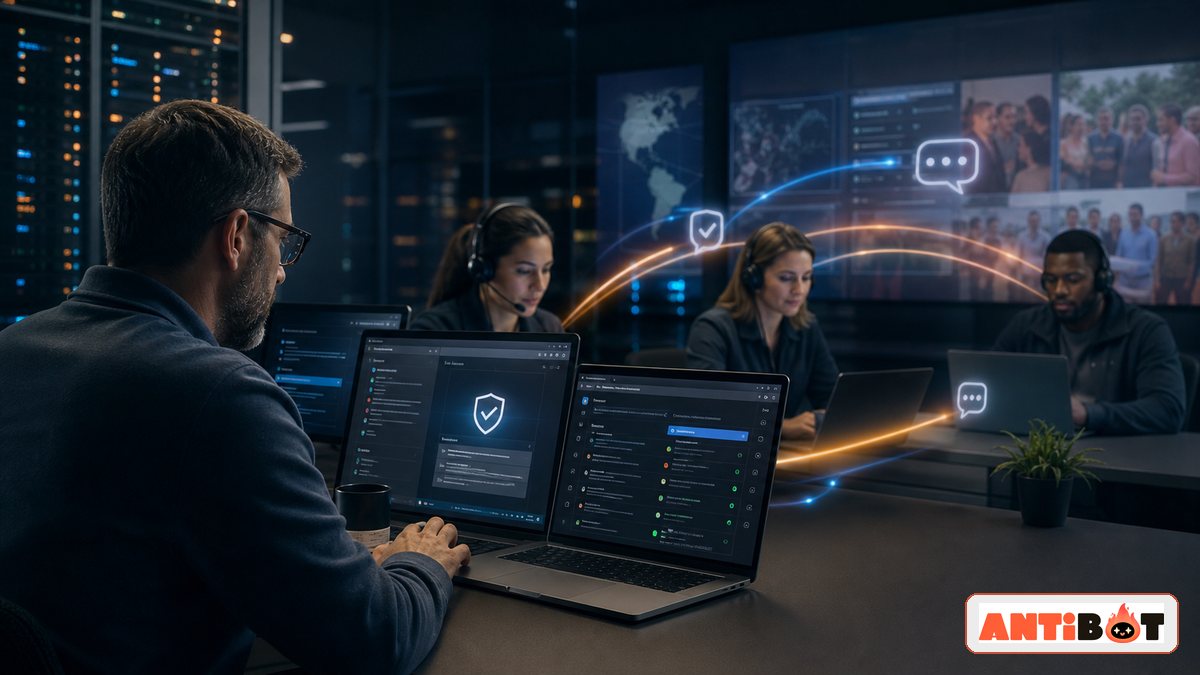
Which Discord AI Assistant Features Matter?
The strongest features are the ones connected to a real community workflow. A long feature list has little value if administrators cannot control channels, permissions, response behavior, or escalation.
Feature Comparison
| Feature | Community Value | What To Check |
|---|---|---|
| Natural conversation | Makes help and participation easier | Context quality, tone, and response controls |
| Knowledge retrieval | Answers rules, product, and onboarding questions | Approved sources, freshness, and uncertainty handling |
| Recaps and summaries | Helps members catch up across time zones | Channel scope, exclusions, and privacy |
| Member context | Creates more relevant interactions | Consent, retention, editing, and deletion |
| Proactive engagement | Restarts useful conversations | Frequency, quiet hours, topics, and opt-outs |
| Moderation support | Flags risk and supports routine review | Human approval, logs, and role restrictions |
| Administration insights | Shows common questions and friction | Data scope, access, and actionable reporting |
A community chatbot should also know when not to respond. Mention-only modes, channel allowlists, cooldowns, quiet hours, and confidence thresholds reduce noise. Sensitive topics should move to a moderator instead of producing a confident automated decision.
Response design matters as much as model quality. Short answers suit busy public channels, while support threads may need structured steps, links to approved knowledge, and a clear indication when information is uncertain. Administrators should be able to adjust length, tone, language, and citation behavior by channel. The assistant should also preserve the flow of human conversation instead of replying to every message that resembles a question.
Accessibility and international communities introduce additional requirements. Teams may need multilingual responses, readable formatting, descriptive links, and consistent terminology for members who use assistive technology or communicate in a second language. Testing should include real community examples rather than only ideal prompts prepared by administrators.
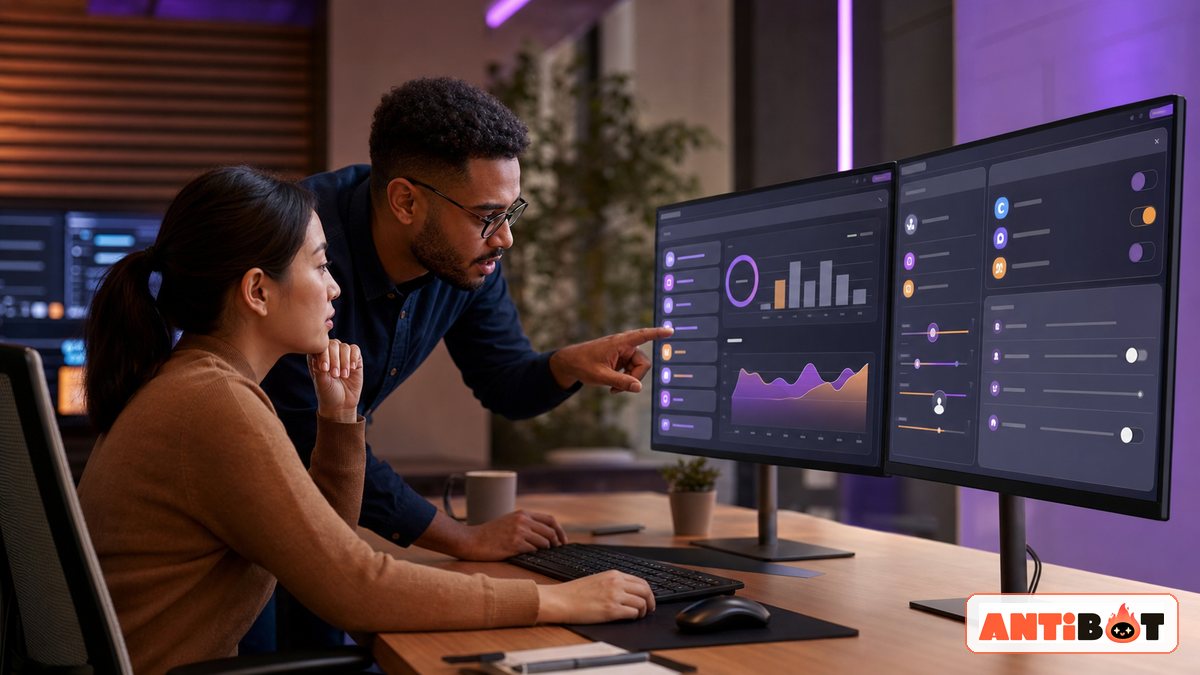
How Do You Set Up AI Chat In Discord?
A safe setup begins with one narrow use case rather than immediate server-wide access. The first deployment can focus on an onboarding channel, a help channel, or a small testing space where moderators can evaluate accuracy and behavior.
Practical Setup Checklist
- Write down the member problem the bot should solve.
- Choose the approved channels, roles, and interaction methods.
- Review the publisher, privacy policy, retention approach, pricing, and support options.
- Grant only the Discord permissions required for the selected workflow.
- Configure tone, response length, knowledge, quiet hours, and escalation rules.
- Test normal questions, ambiguous requests, prompt injection, spam, and sensitive topics.
- Publish a short notice explaining when AI is used and how members can contact a person.
- Launch gradually and review logs, feedback, mistakes, and moderator workload.
Communities focused primarily on natural participation should also evaluate how a discord talking bot handles context and conversation boundaries.
Read more: How to Add a ChatGPT Discord Bot to Your Community
How Do You Keep A Discord AI Chat Bot Safe?
Security starts with least-privilege access. A conversational feature does not automatically need administrator rights, role management, message deletion, or access to every channel. Permissions should match specific tasks and be reviewed whenever the product adds a new capability.
Privacy requires equal attention. Members should know whether the provider stores messages, creates summaries, remembers preferences, or uses third-party AI services. Private staff channels, sensitive tickets, deleted messages, and personal information should not become general conversational context.
Operational Safeguards
- Restrict installation and configuration to trusted administrators.
- Store bot and API credentials as protected server-side secrets.
- Use channel and role allowlists instead of broad server access.
- Keep human approval for enforcement and other high-impact actions.
- Test how the bot responds when information is missing or conflicting.
- Provide pause, removal, reporting, and data-deletion procedures.
- Review logs without exposing private messages or credentials.
- Reassess permissions, pricing, models, and retention after major updates.
Fluent language can create a false sense of certainty. A Discord AI chat bot may still misunderstand context, repeat outdated information, or generate an unsupported answer. Members need visible ways to verify important information and reach a human.

Discord AI Chat Bot Vs Other Bot Types
A conversational AI bot overlaps with other Discord tools, but the categories are not identical. Choosing the correct label helps administrators compare products accurately.
| Bot Type | Primary Purpose | Typical Interaction |
|---|---|---|
| Discord AI chat bot | Natural questions, answers, and assistance | Messages, mentions, threads, and commands |
| Command bot | Deterministic utilities and workflows | Slash commands and configured actions |
| Moderation bot | Filters, warnings, logs, and enforcement support | Automated rules and staff commands |
| Knowledge bot | Documentation and support answers | Questions grounded in approved content |
| Engagement bot | Activities, prompts, polls, and participation | Scheduled or contextual community events |
One product can support several categories, but each action should retain separate permissions and oversight. Conversation does not make moderation decisions reliable, and message-management capability does not prove that a bot can follow natural dialogue.
How To Measure The Result
The first review should compare the deployment with the problem identified before launch. Useful indicators include repeated-question volume, response time, unanswered requests, moderator escalations, recap usage, member feedback, and the percentage of conversations corrected by staff. High message volume alone does not show success because an overactive bot can increase noise without improving outcomes.
Qualitative review remains important. Moderators should sample conversations to check factual accuracy, tone, privacy, and whether members understand when they are speaking with an automated system. Insights from those reviews can guide narrower permissions, better knowledge, revised prompts, or a decision to disable features that do not create enough value.
Why Antibot Fits Discord Bot Chat
Antibot is designed as an AI community manager rather than a prompt-only chat window. Its conversational layer helps members ask questions and participate naturally, while its broader features support research, recaps, member context, engagement, moderation, activities, and administrative insights.
This combination is useful for communities that want one coordinated experience instead of separate tools with disconnected settings. Administrators still define where the assistant operates, what it may remember, how often it participates, and when a human must take over.
Antibot should be evaluated around measurable outcomes: fewer repeated questions, faster onboarding, clearer recaps, more relevant participation, and less routine work for community teams. The goal is not to maximize automated messages. The goal is to make the community easier to navigate without weakening human ownership.
For communities that need AI chat alongside onboarding, moderation, role workflows, and operational oversight, a discord server management bot provides the broader management layer.
Conclusion
A Discord AI chat bot works best when its purpose, permissions, context, and safety boundaries are clear. Hosted tools provide speed, custom integrations provide control, and Antibot offers a managed community-assistant approach for teams that need conversation plus ongoing operations.
Read more: How to Find AI Discord Servers Worth Joining in 2026
FAQ
What Is The Best Discord AI Chat Bot?
The best option depends on the server’s goals, technical resources, privacy requirements, and desired level of control. A support server may prioritize approved knowledge and escalation, while a social community may value natural conversation and engagement. Compare permissions, context controls, retention, pricing, moderation boundaries, reliability, and human support before choosing a provider.
Can I Add An AI Chatbot To Discord Without Coding?
Yes. Hosted and managed products normally provide an installation link and configuration interface, so administrators can add a bot without building the AI connection themselves. You still need to review the publisher, requested permissions, data practices, enabled channels, response settings, and pricing. A no-code setup reduces development work but does not remove operational responsibility.
Does A Discord Chatbot Read Every Message?
Not necessarily. Access depends on the bot’s permissions, enabled channels, event configuration, and product design. Administrators should limit the bot to the smallest useful scope and confirm whether it responds only to commands or mentions. Private channels and sensitive staff discussions should remain excluded unless a documented workflow genuinely requires access.
Is AI Chat Discord Safe For Private Communities?
It can be used safely when the provider and configuration meet the community’s requirements. Review message handling, retention, memory, subprocessors, access controls, and deletion options. Restrict channels and roles, test the bot before launch, and keep human escalation available. Private status alone does not protect information sent to an external AI service.
How Much Does A Discord AI Assistant Cost?
Pricing may include a monthly subscription, usage allowance, model charges, hosting, storage, monitoring, development, and moderation work. Hosted tools often bundle infrastructure into a plan, while custom bots expose more separate costs. Estimate total ownership cost using expected members, messages, context length, support needs, and maintenance instead of comparing only the advertised entry price.
Can A Discord AI Chat Bot Replace Moderators?
No. It can answer repetitive questions, summarize discussions, encourage participation, and flag predefined risks, but it cannot reliably resolve every dispute or represent the community’s values. Human moderators should define rules, review sensitive situations, handle appeals, protect member privacy, and remain accountable for enforcement and high-impact decisions.
Antibot Team
The Antibot Team at Techies Lab builds AI-powered community management tools for Discord. The team turns practical engagement insights into Antibot features and useful playbooks for community owners.