How to Add a ChatGPT Discord Bot to Your Community
A ChatGPT Discord bot connects AI-generated answers with conversations inside a Discord server. You can invite a hosted bot, build your own integration with an API, or choose a managed community assistant. Antibot by Techies Lab offers the third approach, combining natural conversation with engagement and community-management features.
Discord reports more than 200 million monthly users, and apps are used by over 25% of them. This scale makes conversational apps valuable, but it also raises the importance of secure permissions, transparent data handling, and reliable human oversight.
Key Takeaways
- A ChatGPT bot for Discord is usually a third-party app or custom integration, so its publisher and technology must be verified.
- Hosted bots are faster to launch, while a self-hosted Discord bot provides greater control but requires development and maintenance.
- OpenAI API usage is billed separately from ChatGPT subscriptions, and total cost also includes hosting, monitoring, and moderation work.
- Antibot is a managed community-assistant alternative for teams that prioritize conversation, engagement, recaps, research, and community operations.
What Is A ChatGPT Discord Bot?
A ChatGPT Discord bot is a Discord application designed to produce ChatGPT-like answers inside channels, threads, or direct messages. The bot receives an allowed request from Discord, sends relevant input to an AI service, and returns the response to the member.
The label does not automatically identify an official OpenAI product. It may describe a hosted third-party app, an open-source project, or a custom OpenAI API Discord bot. Administrators should verify the provider, model, data policy, and support arrangement before installation.
This distinction matters because each implementation has different costs and responsibilities. A hosted bot may handle infrastructure for you. A custom bot gives your team control over prompts and data flow, but it also makes your team responsible for security, uptime, monitoring, and appropriate use.
Is There An Official ChatGPT Bot For Discord?
Server owners should not assume that an app is official simply because its title includes “ChatGPT” or “GPT.” OpenAI states that the ChatGPT and GPT names are its trademarks and warns third parties not to imply endorsement or confuse users about sponsorship.
Before adding any ChatGPT bot for Discord, check:
- The verified publisher shown on the listing or installation page.
- Whether the product clearly explains which AI provider it uses.
- The requested Discord scopes, permissions, and message access.
- Its privacy policy, retention controls, support channel, and pricing.
- Whether administrators can remove stored history or disable the bot.
A trustworthy product should describe itself accurately. If Antibot is compared with ChatGPT-based tools, it should be presented as an independent ChatGPT Discord alternative, not as an official OpenAI or ChatGPT product.
Which ChatGPT Discord Bot Setup Option Should You Choose?
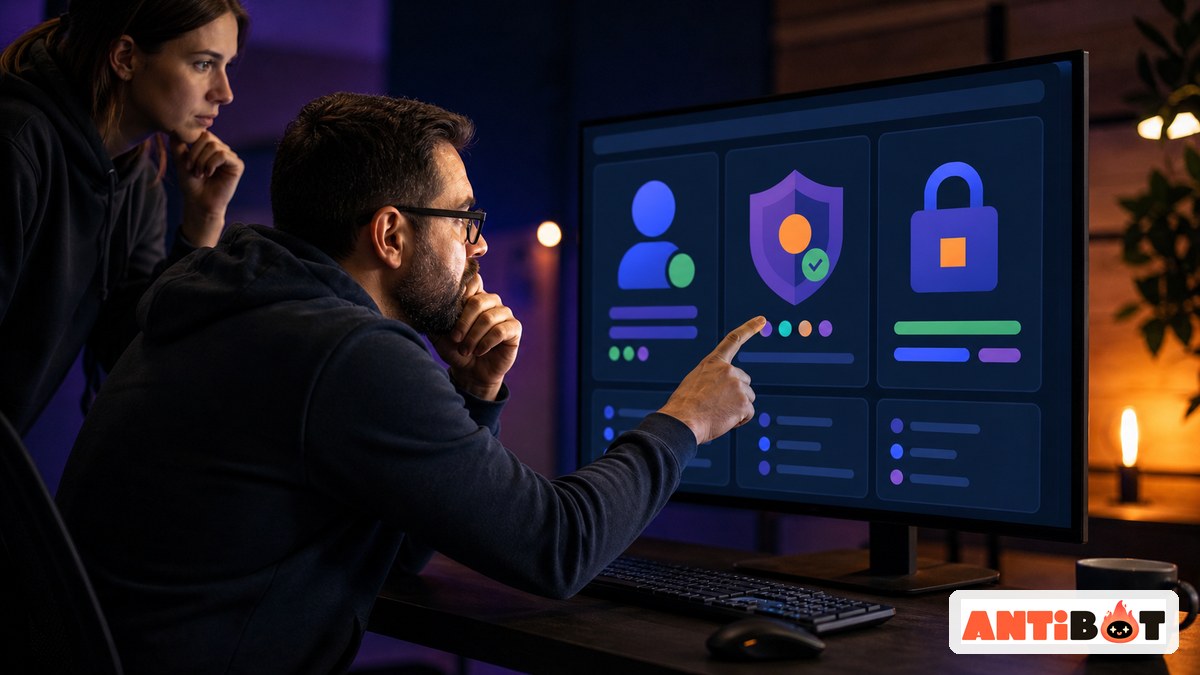
There are three practical ways to introduce conversational AI into a server. The right choice depends on development resources, required control, speed, and the amount of ongoing administration your team can support.
Hosted Bot, Self-Hosted Integration, Or Managed Assistant
| Option | Best For | Main Advantage | Main Responsibility |
|---|---|---|---|
| Hosted third-party bot | Teams wanting a quick launch | Simple invitation and configuration | Vendor review, subscription, and data trust |
| Self-hosted Discord bot | Developers needing control | Custom prompts, models, and workflows | Hosting, security, updates, and monitoring |
| Managed community assistant | Communities needing broader operations | Conversation plus engagement and management | Configuration, policies, and human oversight |
Hosted ChatGPT-Style Bot
A hosted bot is usually the fastest route. An administrator follows an installation link, selects a server, approves permissions, and configures the available channels. The provider manages the AI connection and infrastructure.
Convenience comes with dependency. Your community relies on the provider’s uptime, rate limits, moderation choices, and data practices. Review the actual feature set instead of choosing only by the phrase AI chatbot for Discord.
Custom OpenAI API Discord Bot
A custom integration connects a Discord application to the OpenAI API through your own server-side code. OpenAI’s official quickstart requires an API key and demonstrates server-side requests through its SDK. API keys must remain on the server and should never be placed in public code or shared with members.
This option is useful when developers need custom system instructions, approved knowledge, specialized commands, or connections to internal tools. It is not a one-time setup: someone must maintain dependencies, logs, rate limits, error handling, and safety controls.
Managed Discord AI Assistant
A managed assistant is appropriate when the objective extends beyond question answering. Antibot supports natural conversation, sourced research, recaps, member context, proactive engagement, moderation, activities, and administrative insights.
Read more: How a Discord Talking Bot Makes Communities More Engaging
This route reduces the need to build a complete community layer around an AI model. Administrators still define permissions and policies, but they do not need to operate a custom Discord ChatGPT integration merely to obtain useful conversational features.
How Does An OpenAI API Discord Bot Work?
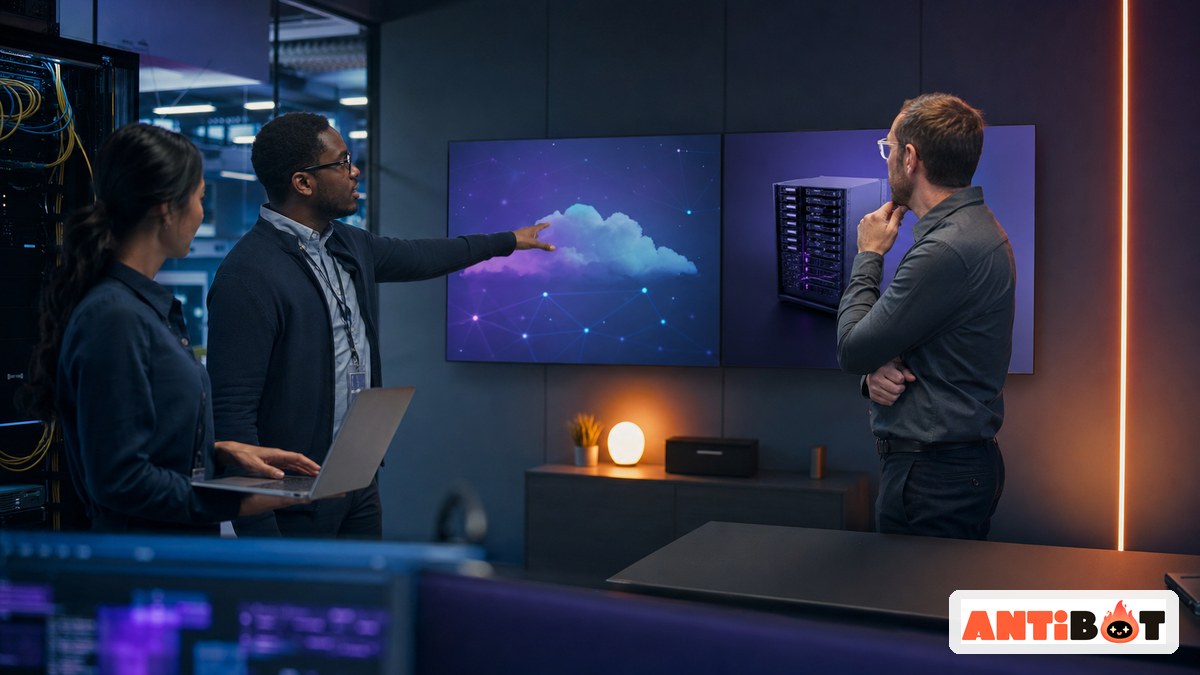
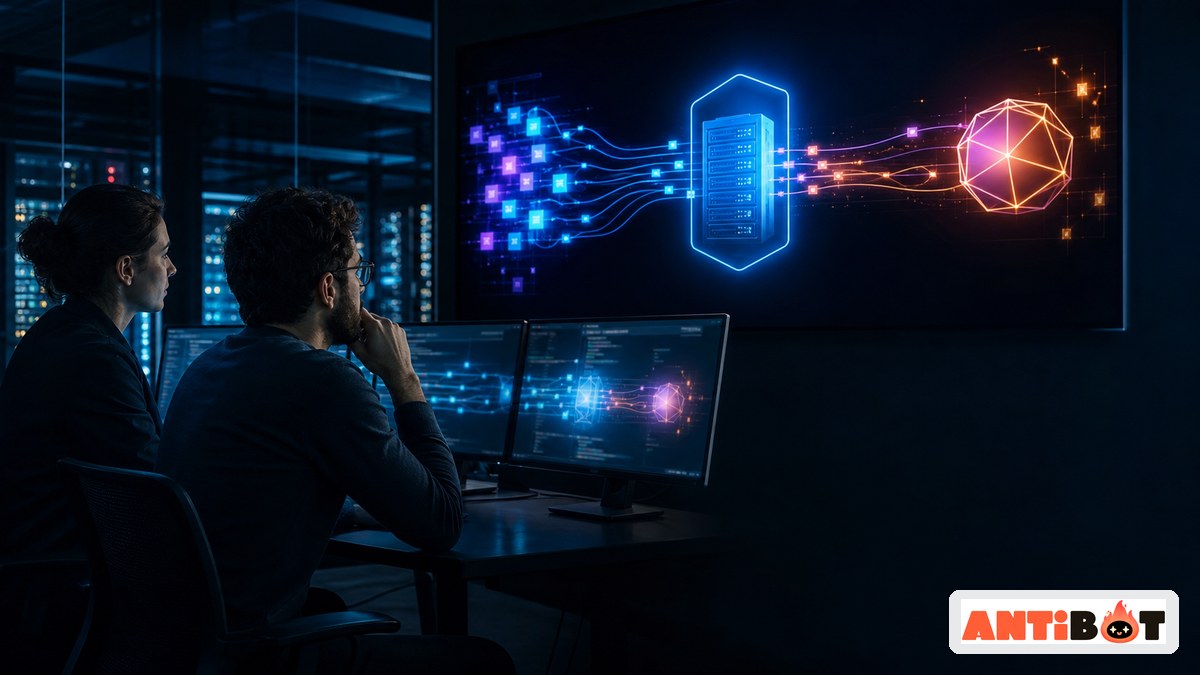
A custom bot requires two separate application relationships. Discord authenticates the bot account and controls its server access. The AI provider authenticates model requests and charges for usage. Your application sits between those services.
Basic Request Flow
- A member sends a slash command, mention, or message in an enabled channel.
- Discord sends the permitted interaction or event to the bot application.
- Your server validates the request and prepares only the required context.
- The application sends that input to the selected AI API.
- Safety and formatting rules process the output.
- The bot posts the result to the appropriate Discord conversation.
Discord uses bot tokens for bot authentication and OAuth2 scopes for installation. Its documentation says tokens should be treated like passwords, while apps should request only the permissions they need.
What Does A ChatGPT Discord Integration Cost?
The cost of a Discord ChatGPT integration is not limited to an AI subscription. OpenAI explains that API service is billed and managed separately from ChatGPT, with API usage charged according to tokens. A paid ChatGPT subscription therefore does not automatically cover a custom bot’s API calls.
Cost Categories
- AI usage: Input context, generated output, selected model, and request volume.
- Hosting: A server, serverless service, database, queue, or monitoring platform.
- Development: Initial implementation, testing, integrations, and ongoing updates.
- Operations: Logs, alerts, backups, rate limits, incident response, and support.
- Moderation: Human review and escalation for sensitive or incorrect responses.
Long conversation histories increase the amount of input sent with a request. Cost controls may include message limits, concise summaries, restricted channels, per-user quotas, caching, and model selection based on task complexity.
A hosted or managed product replaces some infrastructure costs with a subscription. Compare total ownership cost rather than API price alone.

How Do You Secure A ChatGPT Bot For Discord?
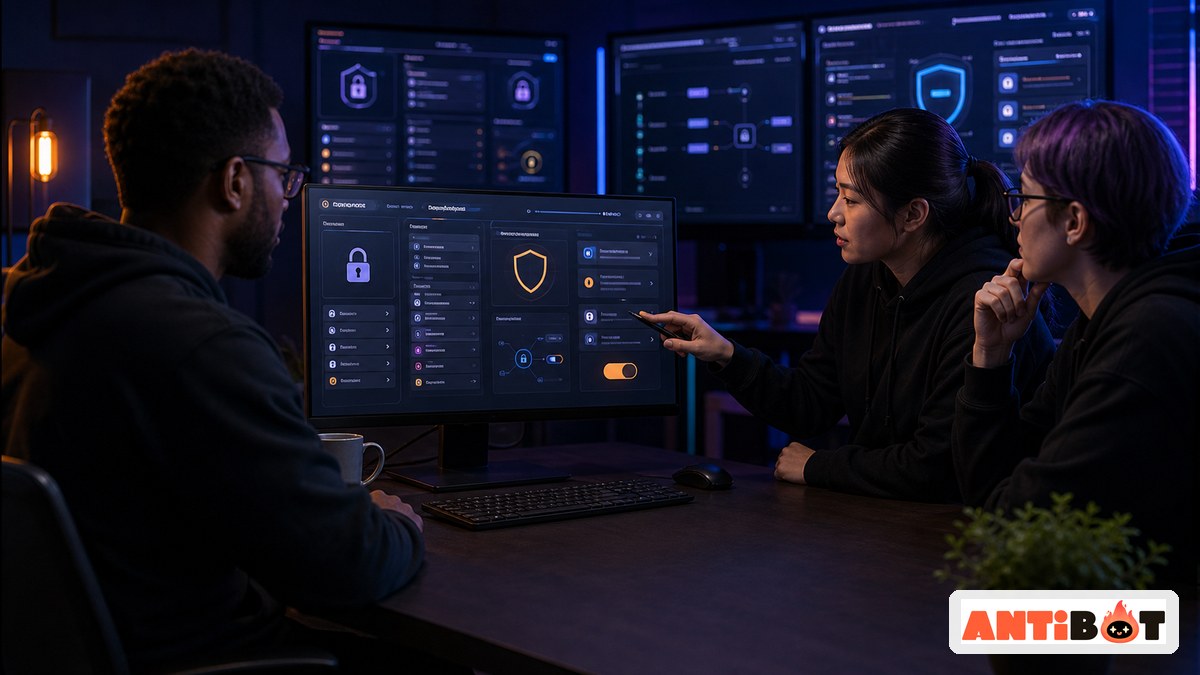
Security begins with minimizing access. Discord recommends requesting only necessary permissions because excessive access reduces user trust. Its documentation also notes that message content can require a privileged intent, particularly as an app grows.
Security And Privacy Checklist
- Store Discord and API credentials in protected server-side secrets.
- Limit the bot to approved channels, commands, and moderator roles.
- Send only the context required to answer the current request.
- Avoid treating private, deleted, or sensitive messages as reusable training data.
- Publish a clear notice explaining AI use, memory, and escalation.
- Log administrative actions without exposing message or credential data.
- Test prompt injection, spam, unsafe requests, and unauthorized actions.
- Provide a way to pause the bot and contact a human moderator.
Conversation quality is not proof of safe configuration. A fluent bot can still receive excessive permissions, expose stored context, or produce confident mistakes. Human review remains essential for enforcement, personal information, disputes, and high-impact advice.
ChatGPT Discord Bot Vs Antibot
A basic ChatGPT Discord bot focuses on sending prompts to an AI model and returning answers. Antibot is positioned as an AI community manager, so its scope is closer to a Discord AI chat bot with conversation, ongoing community participation, and organization.
| Need | Custom ChatGPT-Style Bot | Antibot |
|---|---|---|
| Custom model integration | High flexibility with development | Managed product configuration |
| Natural conversation | Depends on implementation | Core community experience |
| Member memory | Must be designed and stored | Available as a community feature |
| Research and recaps | Requires additional workflows | Integrated into the assistant experience |
| Proactive engagement | Custom scheduling and logic | Designed for community participation |
| Maintenance | Managed by your developers | Managed as part of the product |
Choose a custom integration when model-level control and proprietary workflows justify engineering effort. Choose Antibot when the priority is a ready-to-use Discord AI assistant that helps with conversation, knowledge, engagement, and community management.
The comparison should remain accurate: Antibot is an independent alternative and should not be described as endorsed by OpenAI unless a confirmed relationship exists.
Teams that want conversational AI to support onboarding, moderation, engagement, and everyday administration can also review how a discord server management bot brings those workflows together.

Conclusion
A ChatGPT Discord bot can be deployed through a hosted app, a custom API integration, or a managed community assistant. The right decision depends on control, cost, security, maintenance, and the desired community experience. Antibot offers an independent managed alternative for teams that need more than prompt-and-response chat.
FAQ
Can I Add ChatGPT To A Discord Server?
You can add ChatGPT-like functionality through a hosted bot or build a custom Discord application connected to an AI API. A custom integration requires a Discord application, secure credentials, server-side code, hosting, permissions, and an AI API account. Always verify the publisher and data practices before installing a third-party bot.
Is There A Free ChatGPT Discord Bot?
Some providers offer free tiers, trials, or limited message allowances, but AI inference, hosting, and maintenance create real costs. Free access may include rate limits, smaller usage quotas, fewer models, or reduced support. Review the provider’s current pricing and privacy policy, and do not assume that a free bot includes unlimited private conversations.
Do I Need An OpenAI API Key For A Discord Bot?
You need an OpenAI API key only when your own application calls OpenAI’s API. A hosted provider normally manages its own AI connection, although it may ask customers to supply a key. Store keys as protected server-side secrets, never place them in public repositories, and rotate them immediately if they are exposed.
Is A ChatGPT Bot For Discord Safe?
Safety depends on the implementation and configuration. Administrators should review permissions, channel access, message retention, provider policies, credentials, logs, and escalation procedures. The bot should receive only the information required for its task. Human moderators should handle sensitive disputes, personal information, enforcement decisions, and any response that could cause meaningful harm.
Does A ChatGPT Subscription Pay For Discord Bot Usage?
No. OpenAI states that ChatGPT subscriptions and API service are billed and managed separately. A custom bot using the API incurs usage charges based on API activity, even if its owner has a paid ChatGPT plan. Hosting, storage, monitoring, development, and moderation may add further costs beyond the model requests.
How Is Antibot Different From A ChatGPT Discord Bot?
A simple ChatGPT-style bot mainly sends prompts to an AI service and returns answers. Antibot is designed as a broader community assistant with natural conversation, research, recaps, member context, proactive engagement, moderation, activities, and administrative insights. It is an independent product alternative and should not be represented as an official OpenAI or ChatGPT application.
Antibot Team
The Antibot Team at Techies Lab builds AI-powered community management tools for Discord. The team turns practical engagement insights into Antibot features and useful playbooks for community owners.