Discord Server Management Bot: Complete Guide For 2026
A discord server management bot automates moderation, onboarding, member support, and engagement from one place. Antibot by Techies Lab extends that idea with conversational AI, member memory, proactive discussions, and community insights. This guide explains what these bots do, which features matter, and how to choose one without giving up human oversight.
Discord reports more than 200 million monthly active users, while apps are used by over 25% of those users. At that scale, reliable bots help community teams respond faster, enforce rules consistently, and keep members engaged without requiring moderators to watch every channel continuously.
Key Takeaways
- A discord server management bot combines moderation, onboarding, engagement, automation, and reporting so administrators can reduce repetitive work.
- The best setup supports human moderators instead of replacing their judgment, especially when context or sensitive enforcement decisions are involved.
- An invite manager bot tracks member acquisition, while broader management bots also support retention, safety, conversations, and community health.
- Antibot adds natural-language control, personalized memory, proactive engagement, research tools, and an administrative dashboard to everyday server management.
What Is A Discord Server Management Bot?
A discord server management bot is an application that helps owners and moderators operate a Discord community. It can handle repeatable tasks, monitor activity, welcome members, apply predefined rules, organize conversations, and provide information that helps administrators make decisions.
Basic bots usually solve one narrow problem, such as deleting spam or assigning roles. A more capable discord bots manager brings several operational functions together. Instead of switching between unrelated commands and dashboards, the team can manage routine work through one coordinated system.
Core Management Responsibilities
- Moderation: Detect spam, apply filters, log actions, and alert human moderators when a situation requires judgment.
- Onboarding: Welcome newcomers, explain rules, assign roles, and guide members toward relevant channels.
- Engagement: Start conversations, create polls, answer questions, and encourage participation when activity slows.
- Organization: Create threads, summarize discussions, schedule activities, and keep important information easier to find.
- Insights: Show popular topics, member interests, activity patterns, and requests that administrators should address.
Automated moderation can respond to common issues faster than a human moderator, but it should enrich rather than replace manual moderation. This makes a discord server management bot most effective when automation and human review work together.

Which Discord Server Management Bot Features Matter?
The right features depend on the server’s size, purpose, risk level, and moderation capacity. A small private group may need lightweight onboarding and spam protection. A public community with thousands of members needs stronger Discord server automation, detailed logs, escalation rules, and reliable permissions.
Moderation And Safety
A dependable Discord moderation bot should support keyword filters, spam detection, action logs, warnings, timeouts, and role-based exemptions. Administrators should be able to define what happens after a rule is triggered instead of relying on unexplained automatic decisions.
Public communities benefit from anti-spam filters, text filters, and stronger anti-raid protection as they grow. Server owners should still review permissions carefully and keep written rules visible to members.
A discord server management bot should also provide a clear route from automatic detection to human review. This prevents minor mistakes from receiving disproportionate penalties and gives moderators the context needed for fair decisions.
Member Onboarding And Invite Tracking
An invite manager bot focuses on where new members came from, which invitations perform well, and whether suspicious joins require attention. Invite tracking is useful, but it represents only the acquisition stage of community management.
A complete Discord onboarding bot should also:
- Welcome each member and explain the community’s purpose.
- Present rules before opening access to the full server.
- Assign roles based on interests or verified choices.
- Recommend appropriate channels and ongoing conversations.
- Notify moderators when join behavior appears unusual.
The distinction matters because an invite manager bot can show who joined, while a discord server management bot can help those people become active, informed, and retained community members.
Conversation And Member Engagement
A healthy server requires more than rule enforcement. A member engagement bot can answer routine questions, launch polls, support games, summarize conversations, and encourage members to participate.
Traditional bots wait for exact commands. An AI-powered discord server management bot can interpret natural-language requests and respond more like a community assistant. It may also remember interests and previous discussions, allowing interactions to feel relevant rather than generic.
Proactive engagement should remain configurable. Administrators need control over the channels, frequency, tone, and quiet hours used by the discord server management bot. Otherwise, automated conversation can become noise instead of improving community culture.
Summaries, Research, And Administration
Busy communities generate more information than any administrator can read manually. A capable Discord admin bot can summarize recent discussions, link members back to important messages, and highlight recurring topics or unresolved requests.
Research support is also valuable. When members ask factual questions, a modern discord server management bot can look up information, provide sources, and reduce the burden on moderators. The administrator dashboard should then show activity, engagement, member interests, and frequently requested help.


What Are The Benefits Of A Discord Server Management Bot?
A well-configured discord server management bot creates operational consistency. New members receive the same essential information, common violations trigger predictable responses, and routine questions do not consume the moderation team’s entire day.
Practical Benefits For Server Owners
| Benefit | How The Bot Helps | Human Responsibility |
|---|---|---|
| Faster moderation | Detects spam and applies predefined actions | Reviews context and handles appeals |
| Consistent onboarding | Welcomes members and assigns roles | Defines the community journey |
| Higher engagement | Starts discussions, polls, and activities | Sets the tone and community goals |
| Better organization | Creates summaries, threads, and reminders | Decides what information matters |
| Clearer decisions | Surfaces trends and member interests | Interprets insights and sets priorities |
An anti-spam Discord bot can respond immediately, but moderators remain responsible for policy and fairness. Similarly, an invite manager bot can measure joins, but people still shape the experience that persuades members to stay.
The strongest result appears when the discord server management bot handles predictable operations while the human team concentrates on relationships, culture, conflict resolution, and strategic decisions.


How To Choose The Right Discord Bots Manager
The best discord bots manager is not necessarily the product with the longest feature list. It is the one that matches the server’s real workflow, integrates safely, and remains manageable as the community grows.
Evaluation Checklist
| Question | What To Look For |
|---|---|
| Does it solve your main problem? | Features directly connected to moderation, engagement, onboarding, or organization |
| Is natural-language control available? | Clear requests without memorizing many commands |
| Can administrators limit permissions? | Role-based access and only the permissions required |
| Are actions visible? | Logs, explanations, alerts, and review options |
| Can the personality be customized? | A tone that fits the community without becoming disruptive |
| Does it support human escalation? | Handoffs for ambiguous, sensitive, or high-impact decisions |
| Can it grow with the server? | Useful plans, history, dashboards, and automation at higher activity levels |
Before adding a discord server management bot, review every requested permission. Avoid granting Administrator access when narrower permissions can support the intended features. Test the bot in a private channel, configure logs, and document which actions remain subject to moderator approval.

How To Set Up A Discord Server Management Bot Safely
Safe installation begins before the bot enters the main community. Server owners should define their policies, moderation thresholds, onboarding process, and escalation contacts first. The bot should implement those decisions, not invent them.
Recommended Setup Process
- List the repetitive tasks currently consuming moderator time.
- Create written rules and define proportionate responses for common violations.
- Add the discord server management bot with the minimum required permissions.
- Configure channels, exemptions, logs, alerts, and human escalation.
- Test moderation, onboarding, summaries, and engagement in a private area.
- Explain the bot’s role to members and identify how they can contact moderators.
- Review outcomes regularly and adjust rules when the community changes.
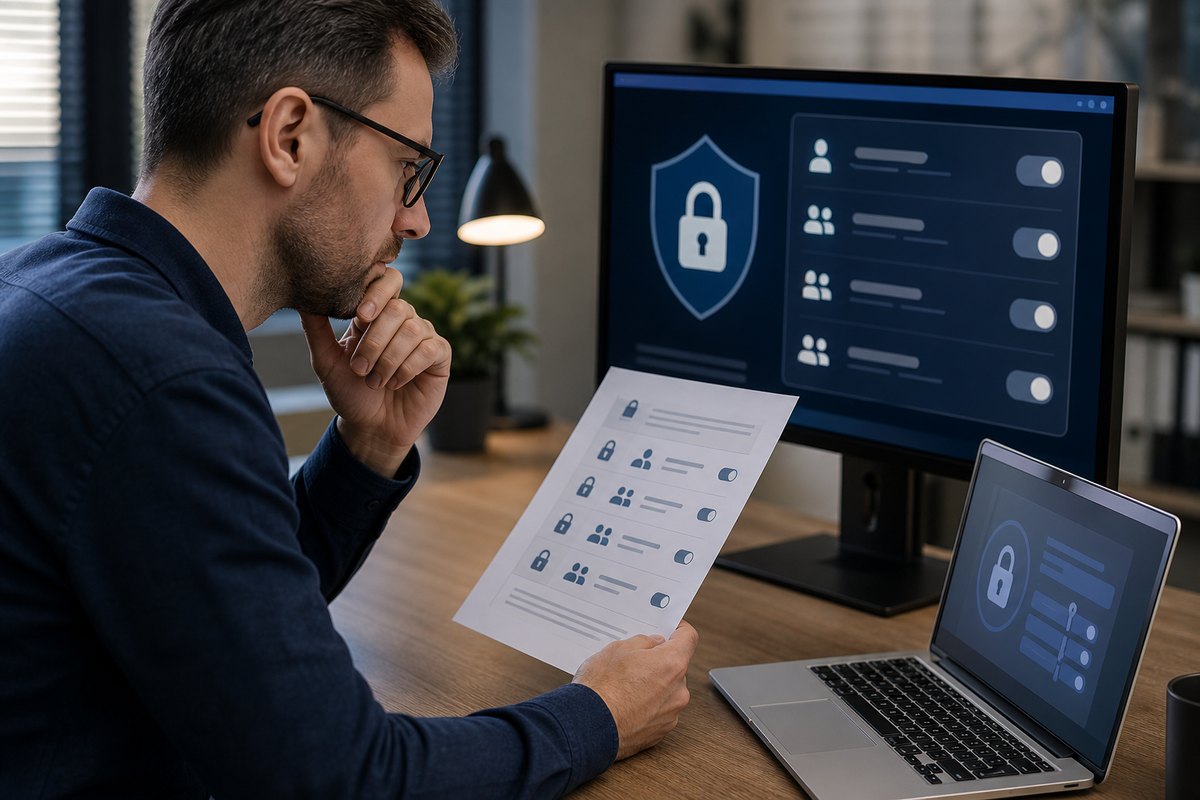
Discord notes that roles and permissions are foundational to server safety. Powerful permissions should only be granted when necessary and to trusted accounts. A bot cannot protect a server if its own access is poorly controlled.

Why Antibot Fits Modern Discord Community Management
Antibot is positioned as an AI community manager rather than a command-only utility. Its purpose is to help communities hold natural conversations, stay organized, and engage members without forcing people to learn a large command library.
Antibot Management Capabilities
- Natural-language research, fact-checking, summaries, and sourced answers.
- Conversation recaps with links back to relevant community messages.
- Moderation tools, polls, music, and other agentic actions.
- Member memory that supports personalized follow-ups and interactions.
- Proactive conversations when the server becomes quiet.
- Automatic threading and administrative insights about community activity.
- Customizable names, avatars, personalities, and higher-tier workflows.
These capabilities allow Antibot to serve as a discord server management bot, an engagement assistant, and a knowledge layer for the community. An administrator can request an action in plain English while retaining responsibility for permissions, rules, and sensitive decisions.

Conclusion
A discord server management bot should make community operations more consistent without removing human judgment. By combining moderation, onboarding, engagement, summaries, and useful insights, Antibot helps server owners spend less time on repetitive administration and more time building a community where members want to participate.

FAQ
What Does A Discord Server Management Bot Do?
A discord server management bot automates routine responsibilities such as filtering spam, welcoming members, assigning roles, answering questions, creating polls, and summarizing discussions. More advanced tools also provide member insights, proactive engagement, and natural-language controls. Human moderators should still define the rules, review sensitive actions, handle appeals, and guide the culture of the community.
Is A Discord Server Management Bot The Same As An Invite Manager Bot?
No. An invite manager bot primarily tracks invitations, referrers, member joins, and suspicious invite activity. A discord server management bot covers a broader workflow that can include onboarding, moderation, engagement, organization, analytics, and member support. Some management bots include invite tracking, but server owners should compare the actual features before assuming both functions are available.
Can A Discord Bot Replace Human Moderators?
A bot should support human moderators rather than replace them. Automation is useful for predictable tasks such as spam filtering, logging, and standard onboarding. Context-heavy situations, interpersonal conflicts, appeals, and serious enforcement decisions require human judgment. Discord’s own safety guidance describes automated moderation as a way to enrich manual moderation and respond faster to common issues.
What Permissions Should A Discord Server Management Bot Have?
A discord server management bot should receive only the permissions necessary for its configured responsibilities. Moderation may require managing messages or timing out members, while onboarding may require assigning specific roles. Avoid granting full Administrator permission by default. Test the bot privately, protect its highest roles, maintain action logs, and review access whenever features or staff responsibilities change.
How Is Antibot Different From A Traditional Discord Bots Manager?
Traditional bots often depend on exact slash commands and isolated features. Antibot emphasizes natural conversation, member memory, proactive engagement, sourced research, recaps, and agentic tools alongside moderation and community operations. This lets members and administrators ask for help in plain English while using a customizable personality that better matches the server’s culture.
How Do I Know Whether My Server Needs A Management Bot?
A server may need a discord server management bot when moderators repeatedly answer the same questions, spam reaches members before staff can respond, onboarding feels inconsistent, or conversations become difficult to follow. Start with the most time-consuming workflow, configure only the necessary automation, and measure whether response time, participation, and moderator workload improve.

Antibot Team
The Antibot Team at Techies Lab builds AI-powered community management tools for Discord. The team turns practical engagement insights into Antibot features and useful playbooks for community owners.