Discord Bots for YouTubers: Grow a Stronger Community
The right Discord bots for YouTubers turn a server into more than an automated video feed. They can announce uploads, welcome viewers, answer common questions, organize events, collect feedback, and protect members. Antibot by Techies Lab adds contextual conversation, recaps, research, member memory, and proactive engagement for creator-led communities.
A creator’s Discord brings the audience into a shared space between uploads and live events. Bots create the most value when they reduce repetitive work and help viewers participate. Constant alerts, duplicated announcements, and automatic promotion can instead train members to mute the server.
Key Takeaways
- YouTuber servers need coordinated alerts, onboarding, FAQs, moderation, events, and audience participation rather than an upload notification alone.
- Video alerts should be reliable, selective, and separated from conversation so members can control which notifications they receive.
- Creator bots should protect staff roles, disclose automated activity, and route sponsorship, support, and moderation questions appropriately.
- Antibot can support natural member questions, discussion recaps, contextual engagement, and community insights around the creator’s content.
What Should Discord Bots For YouTubers Do?
A YouTube Discord bot is often installed to announce new videos, but a creator community has a wider lifecycle. A viewer joins, learns the rules, selects interests, finds the latest content, asks questions, joins an event, and decides whether to return. Bots can reduce friction at each stage.
| Community Stage | Useful Automation | Creator Or Staff Role |
|---|---|---|
| Joining | Welcome message, rules, interest roles | Define the member journey and tone |
| Content discovery | Video, stream, and schedule alerts | Choose what deserves a notification |
| Participation | Polls, prompts, events, questions | Respond and recognize valuable contributions |
| Support | FAQs, tickets, resource routing | Handle sensitive or business requests |
| Safety | Filters, logs, slow mode, reports | Review context, appeals, and serious incidents |
| Improvement | Feedback and community insights | Decide what changes fit the channel strategy |
The bot stack should support the creator’s relationship with viewers. It should not make every interaction feel like promotion.
How Do You Choose A YouTube Notification Bot?
A YouTube notification bot should publish the correct content quickly and avoid duplicates. Owners need control over the destination channel, message format, notification role, channel source, and whether livestreams, Shorts, premieres, and ordinary uploads are treated differently.
Video Alert Checklist
- The bot follows the official channel rather than an unverified feed.
- Owners can select uploads, livestreams, premieres, or other content types.
- Duplicate and delayed alerts are handled clearly.
- Mentions use an opt-in notification role.
- The alert message identifies the video without excessive promotional text.
- Multiple creator channels can be separated when necessary.
- Staff can pause alerts during testing or a content change.
Test the system with an unlisted or scheduled workflow when possible. Check what happens if a title, thumbnail, visibility setting, or start time changes. A reliable alert should not require a moderator to delete and repost messages after every adjustment.
How Can Bots Improve Viewer Onboarding?
New members should understand what the server offers before they encounter a wall of channels. A short welcome flow can present rules, explain creator and staff roles, collect notification preferences, and point viewers toward introductions, content discussion, support, and events.
Keep role selection meaningful. A member may want upload alerts but not livestream reminders, or gaming content but not behind-the-scenes discussion. Opt-in roles make notifications more useful and reduce the chance that people mute the whole server.
A discord server management bot can connect onboarding with moderation, questions, engagement, and insights. Owners should still review the journey manually with a test account and confirm that important channels remain visible on mobile.
Creator Onboarding Flow
- Welcome the member and explain the community’s purpose.
- Present concise rules and the report process.
- Offer content and notification roles.
- Recommend two or three starting channels.
- Answer common questions or link maintained resources.
- Invite an introduction or low-pressure activity.
This journey should take minutes, not require a complicated verification maze unless the server’s risk level justifies it.
Which Moderation Features Matter For Creator Communities?
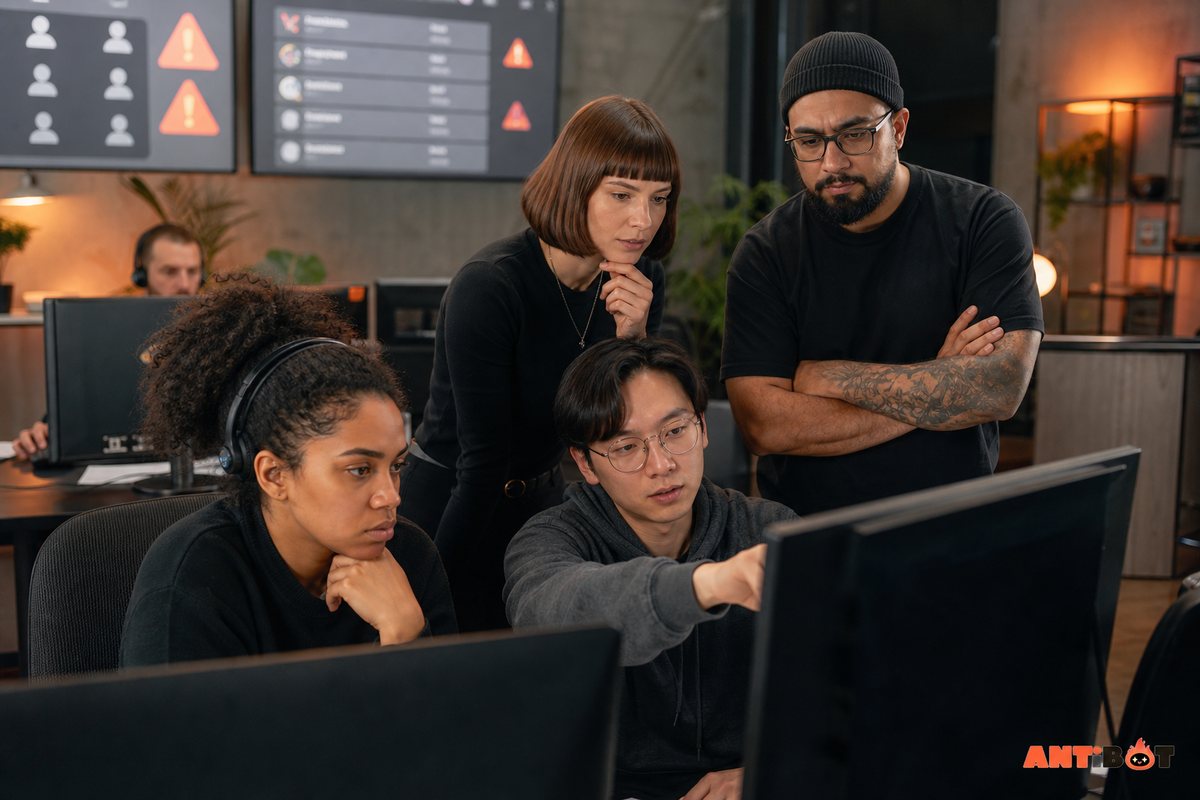
Creator servers can attract spam, impersonation, scams, repeated self-promotion, parasocial conflict, and sudden activity after a popular upload. Moderation tools should support link rules, rate limits, blocked phrases, action logs, report routing, and temporary restrictions.
Protect creator and staff identities. Roles should make official accounts clear, while written rules should state that staff will not request passwords, account tokens, or payments through unsolicited direct messages. Bots should never be allowed to make an ordinary member appear to be the creator.
Self-promotion requires a defined policy. A dedicated channel with eligibility rules is easier to moderate than inconsistent exceptions. Automatic link deletion should provide a clear explanation instead of silently removing a member’s message.
Human moderators must review harassment, impersonation, threats, appeals, and sensitive interpersonal cases. Automation can respond quickly, but it cannot understand every relationship or creative context.
How Do Bots Turn Viewers Into Community Members?
Engagement should give viewers a reason to interact with each other, not only react to announcements. Useful activities connect to the channel’s content and invite different levels of participation.
Examples include:
- Polls about future topics, formats, games, or event times.
- Discussion threads tied to a new upload.
- Community questions that invite experiences rather than one-word answers.
- Watch parties, Q&A sessions, challenges, or project showcases.
- Recaps for members who missed a fast discussion.
- Recognition for helpful answers, creative work, or event support.
A Discord engagement bot should respect channel purpose and quiet hours. Generic daily prompts can dilute the creator’s voice and make genuine questions easier to miss. The best automation uses relevant timing and gives staff control over frequency.
Antibot can participate in natural language, provide recaps, remember member context, research questions, and start configurable conversations. It can help a community stay responsive between uploads while the creator and moderators retain control of tone and policy.
Read more: How a Discord Talking Bot Makes Communities More Engaging
Which Bots Help With FAQs, Support, And Business Requests?
Creators repeatedly receive questions about schedules, equipment, rules, collaborations, sponsorships, memberships, and technical problems. A maintained FAQ assistant can answer routine questions and direct sensitive requests to the correct human contact.
Separate community support from business communication. Partnership and sponsorship requests may need a private form or official email workflow rather than an open ticket visible to many volunteers. Staff should not ask the bot to evaluate contracts, payments, or identity claims automatically.
Knowledge answers should use approved information. If no current answer exists, the assistant should say so and route the question to staff. Outdated schedules and guessed policies damage trust more than a short wait for a human response.
Tickets can help with moderation reports, membership issues, or event support. Limit transcript access, define retention, and close inactive tickets. The system should identify ownership so members know whether a bot or person will respond next.
How Should You Measure A Creator Community Bot?
Total member count and message volume do not show whether the bot improves the community. Use outcomes connected to the member journey.
| Goal | Useful Signal |
|---|---|
| Better onboarding | Role completion and time to first useful channel visit |
| Useful alerts | Opt-in rate, click activity, and low mute complaints |
| Faster help | Time to first correct answer and repeated-question reduction |
| Stronger participation | Returning contributors, event attendance, and discussion depth |
| Safer community | Response time, appeal quality, and fewer repeated incidents |
| Lower staff workload | Fewer manual reposts, routine replies, and configuration errors |
Review conversation samples and member feedback alongside numbers. A high alert click rate may still come with excessive mentions. A busy question channel may reveal that onboarding or documentation is unclear.
What Is A Practical Bot Stack For YouTubers?
Begin with one core community system and add specialists for proven needs.
| Creator Need | Suggested Tool Type |
|---|---|
| Upload and stream alerts | Selective video notification bot |
| Onboarding and operations | Community management bot |
| Natural questions and recaps | Conversational assistant |
| Moderation and reports | Moderation tools with human staff |
| Events and attendance | Scheduling bot |
| Advanced membership support | Ticket or membership integration |
Avoid letting separate apps post the same upload, welcome each member twice, or assign overlapping roles. Document which tool owns each workflow and test the stack in a private channel.
Read more: Best Discord Bots for Every Type of Server in 2026
How Can Antibot Support A YouTube Community?
Antibot can provide a conversational layer around creator alerts and specialist integrations. Members can ask about community information in natural language, recover a discussion through recaps, receive contextual follow-ups, and participate in relevant prompts or polls.
Owners can shape the assistant’s name, personality, participation areas, and operational boundaries. The valuable use case is not replacing the creator’s voice. It is keeping routine support and community context available when the creator is recording, editing, streaming, or resting.
Start with one channel and one measurable goal, such as reducing repeated questions after an upload. Review answer quality, member response, escalation rate, and moderator corrections before expanding.
Conclusion
Effective Discord bots for YouTubers connect video alerts with onboarding, safety, useful answers, events, and viewer participation. The stack should strengthen the creator-member relationship instead of filling channels with promotion. Antibot can add context-aware conversation and community support while the creator retains the human voice members joined to hear.
FAQ
What Are The Best Discord Bots For YouTubers?
The best stack usually includes selective video alerts, onboarding, moderation, events, and a way to answer common questions. The exact choice depends on content format, audience size, staff capacity, and membership features. Test notification accuracy, role controls, permissions, mobile usability, support, and current plan limits before relying on a bot.
Can A Discord Bot Automatically Post New YouTube Videos?
Yes. Video alert bots can monitor a channel and post uploads, livestreams, or premieres. Owners should be able to choose content types, destination channels, message format, and opt-in mention roles. Test duplicates, schedule changes, Shorts, and delayed alerts so staff understand how the integration behaves in real publishing workflows.
How Do I Stop Video Alerts From Annoying Members?
Post alerts in a dedicated channel and use opt-in roles instead of mentioning everyone. Separate uploads, livestreams, and other content when audiences differ. Keep the message concise, avoid duplicate integrations, and let members adjust notification roles. Review mute complaints and remove alerts that do not help members discover content.
Does A YouTube Discord Server Need A Moderation Bot?
Most public creator communities benefit from spam filtering, link rules, rate limits, logs, and report routing. Human moderators must still handle impersonation, harassment, parasocial conflict, appeals, threats, and sensitive cases. Protect official roles and explain that staff will not request passwords, tokens, or unexpected payments through direct messages.
Can Bots Answer Questions About A Creator?
Yes, when they use approved and maintained information such as schedules, community rules, public equipment lists, or event details. The bot should not guess personal information, business terms, or private plans. Unanswered questions should be routed to staff, and sponsorship or contract requests should use a controlled business workflow.
How Can Antibot Help A Creator Community?
Antibot can support natural questions, conversation recaps, research, member context, proactive engagement, polls, organization, and community insights. It can reduce routine workload between uploads while staff control permissions, tone, channels, quiet hours, and escalation. The creator remains responsible for official announcements, relationships, and the community’s human identity.
Antibot Team
The Antibot Team at Techies Lab builds AI-powered community management tools for Discord. The team turns practical engagement insights into Antibot features and useful playbooks for community owners.