Discord Bots for Gaming: Build a Better Player Community
The best Discord bots for gaming help players find groups, schedule sessions, organize teams, manage fast-moving chat, and stay connected between matches. Antibot by Techies Lab complements those workflows with contextual conversation, recaps, research, member memory, and proactive engagement. This guide explains how to build a gaming bot stack that supports play instead of interrupting it.
Gaming communities use Discord before, during, and after play sessions, so their bot needs change quickly with activity. Reliable setups separate coordination, moderation, events, and entertainment, allowing players to find teammates and information without turning every channel into a stream of automated messages.
Key Takeaways
- Gaming servers benefit most from bots that reduce the time between a player joining, finding teammates, and entering a session.
- LFG, schedules, roles, moderation, recaps, and events should share clear channels and avoid competing commands or notifications.
- Competitive, casual, creator-led, and game-specific communities require different combinations of automation and human leadership.
- Antibot can support player questions, missed-context recaps, community conversation, and engagement around specialist gaming workflows.
What Should Discord Bots For Gaming Actually Do?
A useful gaming bot removes friction around playing together. It should help members identify the right game, platform, region, skill level, schedule, and voice channel. Entertainment features can be valuable, but they should come after the server makes it easy to form a group.
The main gaming workflows are:
| Workflow | Bot Responsibility | Member Outcome |
|---|---|---|
| Onboarding | Assign game, platform, region, and interest roles | Players find relevant channels quickly |
| LFG | Create structured group posts and notify suitable roles | Teams form with less repeated messaging |
| Scheduling | Handle time zones, reminders, and attendance changes | Fewer missed sessions and late cancellations |
| Team management | Organize rosters, substitutes, and private channels | Captains coordinate without manual spreadsheets |
| Moderation | Control spam, harassment, spoilers, and unsafe links | Fast chat remains welcoming and usable |
| Engagement | Run polls, recaps, questions, and community activities | Members stay connected between sessions |
A Discord game bot may also provide an activity members play inside chat. That is different from a gaming community bot that coordinates an external game. Both can fit the same server, but they need separate channels and expectations.
How Do You Choose An LFG Discord Bot?
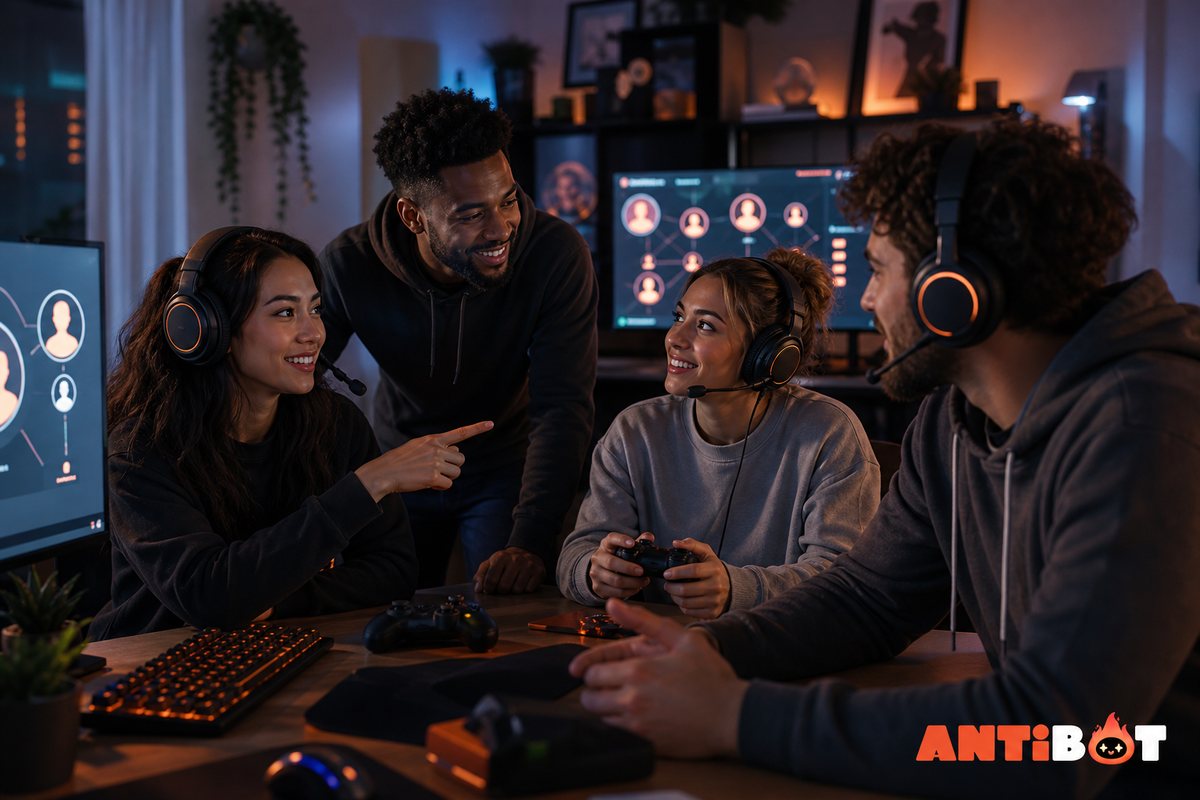
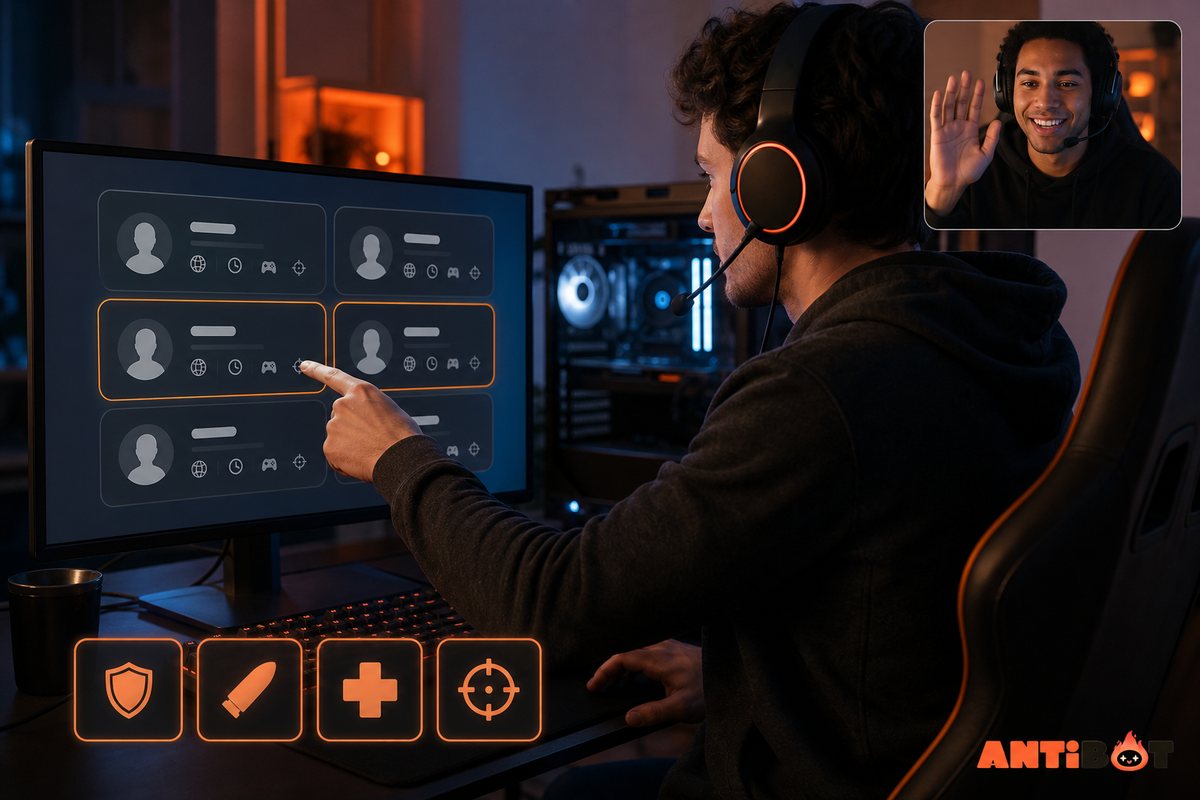
An LFG Discord bot should capture enough information to create a useful group without making the form exhausting. The essential fields usually include game mode, platform, region, start time, number of open places, skill expectations, and voice requirements.
Good LFG workflows let players update or close a post, notify only relevant roles, and prevent expired requests from filling the channel. They also respect casual players. Skill or rank fields should help matchmaking, not create an excuse for harassment.
LFG Evaluation Checklist
- Structured posts are readable on desktop and mobile.
- Role notifications are optional and rate-limited.
- Time zones are converted or clearly displayed.
- Owners can set game-specific fields and channels.
- Members can close a group when it is full.
- Expired posts are archived or removed predictably.
- Moderators can intervene without rebuilding the post.
Test the workflow during a real play window. A feature that looks organized with two test users may become noisy when twenty members form groups at once.
Which Bots Help With Teams, Events, And Tournaments?
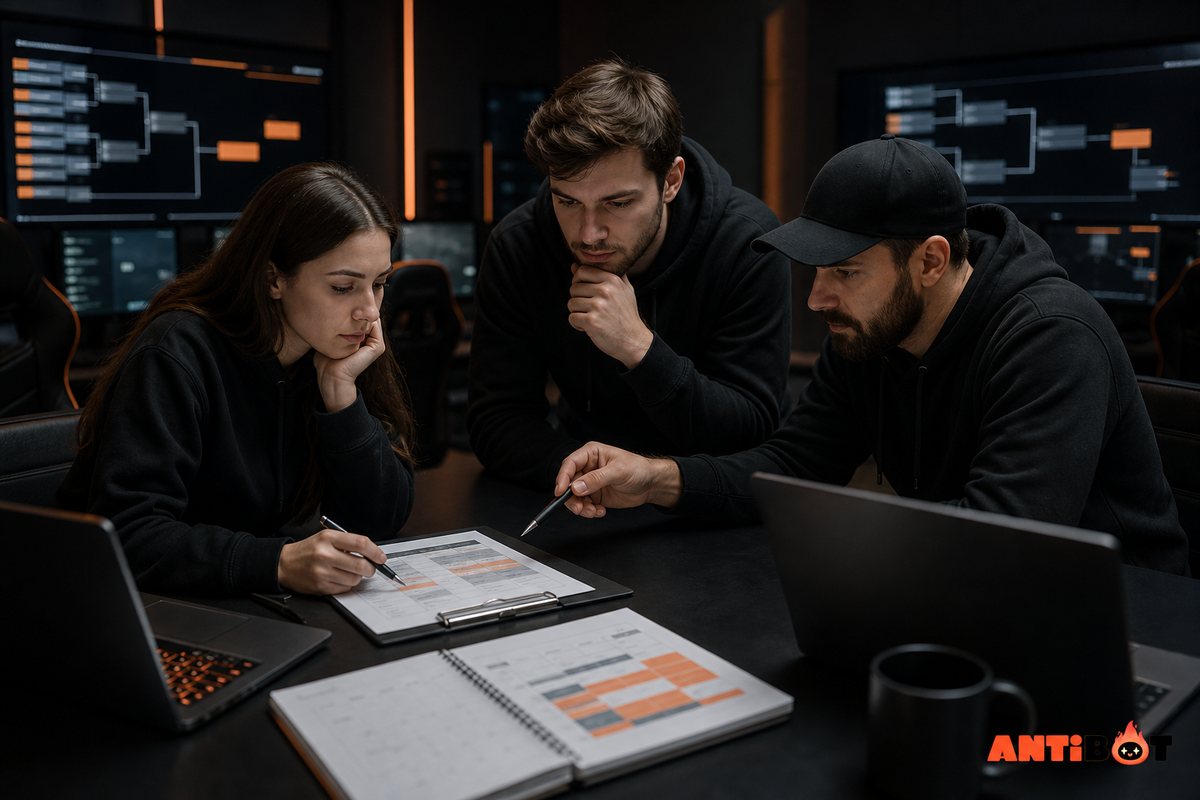
Recurring teams need availability collection, roster management, substitutes, reminders, and sometimes match results. Tournament communities may also need brackets, seeding, score confirmation, dispute handling, and role changes. A specialist tournament bot is appropriate when these workflows are central to the server.
Casual communities can use a simpler event bot. The most important functions are accurate time zones, reminders that members can control, attendance updates, and a clear location for last-minute changes. Avoid sending the same reminder through several bots.
For broader operations, connect specialist scheduling to a discord server management bot plan. The core management layer can handle onboarding, questions, summaries, and member support while the specialist owns brackets or team availability.
Event Ownership Model
| Task | Suggested Owner |
|---|---|
| Game and region roles | Core onboarding system |
| Weekly event creation | Event or scheduling bot |
| Competitive bracket | Tournament specialist |
| Rule enforcement | Moderation system and staff |
| Missed-chat recap | Conversational community assistant |
| Disputes and appeals | Human moderators |
This separation reduces command conflicts and makes failures easier to diagnose.
How Should A Gaming Moderation Bot Be Configured?
Gaming chat can move quickly and include rivalry, slang, spoilers, links, voice activity, and competitive frustration. Generic filters alone cannot understand every context. Administrators should combine clear written rules, rate limits, anti-spam controls, link policies, action logs, and human review.
Create different rules for different spaces. An announcement channel should have strict posting access. An LFG channel needs structured posts and limited mentions. A competitive discussion channel may allow energetic debate but still prohibit personal attacks. A spoiler channel can use role or channel access rather than forcing one filter across the whole server.
Bots should apply predictable low-risk actions and alert staff when context matters. Permanent bans, harassment reports, cheating allegations, and interpersonal disputes require human judgment and an appeal path.
Protect the bot itself. Grant only necessary permissions, keep its highest role below trusted administrators, and test actions in a private channel. Remove abandoned integrations and review webhooks because a gaming server often accumulates game, stream, and statistics connections over time.
Which Engagement Features Work For Gamers?
The best engagement follows the play cycle. Before a session, members need group formation and reminders. During play, they need fast coordination. Afterwards, they may want results, highlights, screenshots, clips, or a discussion prompt.
Useful activities include:
- Polls for the next game, mode, map, or event time.
- Questions about strategies, updates, or memorable moments.
- Recaps for members who missed a busy session.
- Recognition for helpful teammates or event organizers.
- Lightweight games during downtime.
- Threads for guides, builds, feedback, and patch discussions.
Avoid engagement automation that posts generic questions regardless of activity. A bot should respect quiet hours, active matches, and channel purpose. Antibot can use conversation context and configurable proactive participation to support a community between sessions without needing to respond to every message.
Read more: How a Discord Talking Bot Makes Communities More Engaging
How Do Gaming Bots Fit Different Server Types?
Competitive teams need scheduling, rosters, match coordination, and tightly controlled roles. Casual friend groups value fast LFG, polls, reminders, and fun activities. Large public game communities need scalable onboarding, moderation, FAQs, news organization, and event support. Creator-led servers also need upload or stream notifications and audience engagement.
| Gaming Server | First Priorities | Optional Specialists |
|---|---|---|
| Small friend group | Polls, reminders, simple LFG | Chat games and conversational assistant |
| Competitive team | Availability, roster, scrims, private roles | Results and analytics |
| Public game community | Onboarding, moderation, FAQs, events | Game statistics and tournaments |
| Esports league | Registration, brackets, disputes, scheduling | Broadcast and result integrations |
| Creator gaming community | Content alerts, onboarding, moderation | Community events and feedback tools |
Start with the workflow that brings players together. Add statistics, leveling, or collectible systems only when members show sustained interest. A server can feel busy while still failing to help anyone find a game.
Read more: Best Discord Bots for Friend Servers: Fun Without Clutter
How Can Antibot Support A Gaming Community?
Antibot can act as a conversational layer around specialist gaming tools. Members can ask questions in natural language, receive recaps of missed discussions, retrieve relevant community information, and participate in contextual prompts. Member memory can help interactions feel connected over time, while administrative insights can surface repeated questions or activity patterns.
This does not replace deterministic systems for brackets, score validation, or anti-cheat decisions. Specialist tools and human staff should own those high-precision workflows. Antibot is strongest when the problem involves conversation, context, information recovery, or keeping members connected.
Owners should configure where the assistant can participate, how frequently it speaks, what tone fits the game community, and which questions must go to staff. A successful setup helps players reach each other and the information they need faster.
How Do You Launch A Gaming Bot Stack Safely?
Introduce the stack in stages. Create a private testing category, define roles, and invite a small group of regular players. Test the complete journey from joining the server to finding a team and receiving the correct reminder.
Recommended Launch Sequence
- Define server rules, game roles, regions, and channel responsibilities.
- Configure onboarding and basic moderation.
- Add one LFG or scheduling workflow.
- Test notifications, mobile usability, time zones, and permission failures.
- Introduce conversational or entertainment features in limited channels.
- Collect feedback after real sessions.
- Remove unused commands and document the final workflow.
Measure successful groups formed, event attendance, time to first useful response, repeated questions, moderation escalations, and member retention. Total bot messages are not a success metric.
Conclusion
Effective Discord bots for gaming shorten the path from joining a server to playing with the right people. A coordinated stack should prioritize onboarding, LFG, schedules, safety, and relevant engagement before decorative features. Antibot can add conversation and community context while specialists handle precise competitive workflows.
FAQ
What Are The Best Discord Bots For Gaming Servers?
The best tools depend on the server’s format. Casual groups usually need simple LFG, polls, reminders, and activities. Competitive teams need availability, rosters, scrims, and results. Public communities need onboarding, moderation, FAQs, and events. Compare complete workflows, permissions, mobile usability, reliability, and current plan limits before installing a bot.
What Is An LFG Discord Bot?
An LFG bot helps members find other players by creating structured group requests. It can collect the game mode, platform, region, rank, start time, voice requirements, and open places. Good systems notify only relevant roles, allow posts to be closed, and prevent expired requests from overwhelming the channel.
Do Gaming Discord Servers Need A Moderation Bot?
Public and active gaming servers usually benefit from automated spam controls, link rules, rate limits, and action logs. Human moderators still need to handle harassment context, cheating claims, disputes, appeals, and serious enforcement decisions. Small private groups may use lighter controls, but every server should protect administrator roles and bot permissions.
Can Discord Bots Organize Tournaments?
Yes. Specialist bots can support registration, brackets, seeding, match reminders, result submission, and role updates. Organizers should still define rules, verify disputed results, manage exceptions, and maintain a human contact. Test the tournament workflow with a small event before relying on it for a larger competition.
How Many Bots Should A Gaming Server Have?
Use the smallest number that covers recurring needs. One core management assistant plus one scheduling or tournament specialist may be enough. Additional bots should solve a documented gap. Too many apps create permission risk, command confusion, repeated notifications, and more maintenance for volunteer moderators.
Can Antibot Replace A Dedicated Game Bot?
Antibot can support questions, summaries, contextual conversation, engagement, and community insights, but a dedicated game or tournament bot may be better for exact mechanics, brackets, statistics, and score validation. The tools can complement each other when their responsibilities and channels are clearly separated.
Antibot Team
The Antibot Team at Techies Lab builds AI-powered community management tools for Discord. The team turns practical engagement insights into Antibot features and useful playbooks for community owners.