Best Discord Bots for Friend Servers: Fun Without Clutter
The best Discord bots for friend servers make it easier to choose activities, remember plans, share jokes, and keep conversations moving without turning a private space into an automated dashboard. Antibot by Techies Lab can add contextual conversation, recaps, member memory, and timely prompts when a group wants a more natural community assistant.
Small friend servers succeed because members already share trust and history. Their most useful bots are usually lightweight tools that remove coordination friction or create a shared activity. A large moderation and analytics stack often adds more commands and notifications than the group will ever use.
Key Takeaways
- Friend servers should prioritize simple games, polls, reminders, and conversation features that match activities the group already enjoys.
- A small group rarely needs the same automation, permissions, or reporting stack as a large public Discord community.
- Fun bots work best in dedicated channels with cooldowns, opt-in notifications, and clear controls for pausing noisy features.
- Antibot can help friends recover missed context, continue discussions, and receive prompts shaped by the group’s interests.
What Makes A Bot Good For A Friend Server?
A good small server bot is quick to understand and useful without extensive configuration. Friends should be able to start a poll, choose a game, schedule a watch party, or ask for a recap without reading a long command guide.
The best features usually share four qualities:
- They support an activity the group already does.
- They work well with a small number of active people.
- They do not require broad administrative permissions.
- They can be silenced, limited, or removed without disrupting the server.
Friend groups do not need to copy the setup of a public community. Verification, advanced ticketing, detailed growth analytics, and multi-stage onboarding may create unnecessary friction. Basic roles and a small number of well-named channels are often enough.
Which Fun Discord Bots Fit Small Groups?
Discord bots for fun cover many different experiences, so select them according to group habits rather than popularity.
| Bot Type | Good For | Possible Problem |
|---|---|---|
| Poll and decision bot | Choosing games, food, movies, or meeting times | Too many polls can fragment conversation |
| Chat game bot | Trivia, guessing, collecting, or turn-based play | Some games need more active players than the group has |
| Reminder bot | Birthdays, sessions, deadlines, and shared plans | Repeated notifications can become easy to ignore |
| Music or media helper | Coordinating playlists and watch activities | Features may be limited by platform policies |
| Conversational assistant | Questions, recaps, prompts, and group context | It needs boundaries so it does not interrupt every chat |
| Utility bot | Simple roles, countdowns, or shared lists | A large command set may add clutter without value |
Choose one activity at a time. If friends already play trivia together, test a trivia bot for a week. If plans regularly disappear in chat, begin with events or reminders. A bot should strengthen an existing social pattern instead of forcing the group to perform for the bot.
How Do You Keep Fun Bots From Becoming Annoying?
Noise is the main failure mode in a friend server. Automated messages can quickly outnumber human conversation when several bots post daily prompts, streak reminders, level notifications, and game updates.
Create a dedicated channel for commands and games. Keep general chat available for ordinary conversation. Disable public level-up announcements, mass mentions, and repeated promotional messages when possible. Use cooldowns and let members opt into notification roles.
Simple Noise-Control Rules
- One bot should own each type of reminder or prompt.
- Games that generate many messages belong in a separate channel or thread.
- Notifications should use opt-in roles rather than mentioning everyone.
- Automated prompts should stop during quiet hours.
- Members should know how to pause or remove a feature.
A discord server management bot can centralize several routine functions, but a private group should enable only what it uses. More automation does not automatically make the server feel more active.
Which Bots Help Friends Plan Activities?
Planning bots are useful when the group spans different schedules or time zones. Events should show the time clearly, allow attendance changes, and send a small number of helpful reminders. Polls can narrow several options before an event is created.
For a gaming night, ask about game choice and availability separately. For a watch party, include the platform, start time, expected duration, and voice channel. For a trip or recurring project, keep the definitive plan in one channel instead of allowing several bots to post competing versions.
Lightweight Planning Workflow
- Use a poll to collect preferences.
- Create one event after the group decides.
- Send one advance reminder and one start reminder.
- Keep changes in the event thread.
- Post a recap or next step only when useful.
The workflow should save coordination time. If it takes longer to configure the bot than to ask the group directly, use the simple message.
Read more: Discord Bots for Gaming: Build a Better Player Community
Can A Talking Bot Improve A Friend Server?
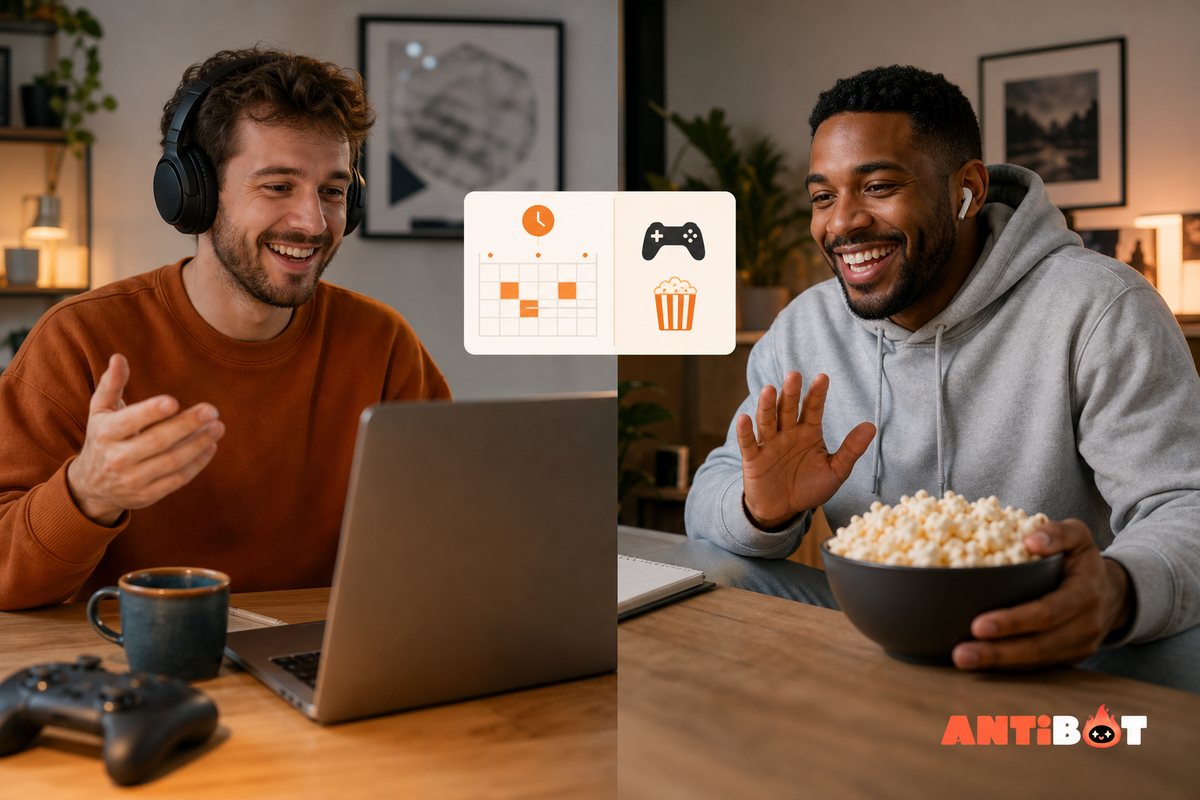
A conversational bot can help when friends have different schedules and regularly miss parts of a discussion. It can summarize recent context, answer a shared question, create a poll, suggest an activity, or continue a topic when someone mentions it.
The assistant should participate more like a guest than a broadcaster. Mentions, specific channels, cooldowns, and quiet hours help it recognize when a response is welcome. A consistent personality can make interaction enjoyable, but it should not imitate a real member or store private details without clear expectations.
Antibot supports natural conversation, member context, recaps, research, and proactive engagement. Owners can shape its personality and decide where it participates. For a friend group, the useful starting point may be recaps and on-demand conversation rather than moderation or complex administration.
Read more: How a Discord Talking Bot Makes Communities More Engaging
What Permissions Should Friend-Server Bots Have?
Private servers still need permission discipline. A playful command does not require Administrator access. A poll bot may only need to view and send messages in selected channels. A reminder tool may need event or message permissions, but it should not manage roles unless that function is actually used.
Review the installation screen and remove unnecessary permissions. Keep bots below trusted human administrators in the role hierarchy. Use verified installation links, and avoid applications that ask members to provide account tokens or credentials.
If a bot is no longer used, remove it instead of leaving its role and webhooks in place. Friend servers can accumulate old experiments because no one thinks of them as infrastructure. A short quarterly review keeps the space simple and reduces risk.
How Many Bots Does A Small Discord Server Need?
Many friend groups only need one to three bots. A practical setup might include one planning tool, one game or activity bot, and one conversational or utility assistant. Some groups need none.
Ask whether each bot produced a useful moment during the last month. If it only posts automatic messages that everyone ignores, disable those features or remove the app. If two bots provide polls, reminders, or welcome messages, keep the one members find easier.
| Group Habit | Minimal Bot Choice |
|---|---|
| Weekly gaming | LFG or event tool plus one activity bot |
| Movie nights | Poll and reminder workflow |
| Creative collaboration | Shared reminders, recaps, and idea support |
| Casual daily chat | Optional conversational assistant |
| Long-distance friends | Events, time-zone support, and recaps |
The right stack should fade into the background until someone needs it.
How Do You Introduce A New Bot To Friends?
Explain why the bot is being added and what it will do. Invite a few members to test it in one channel. Ask whether commands are understandable, notifications are useful, and the activity fits the group.
Do not enable every feature on the first day. Begin with one workflow, such as a weekly game poll or an on-demand recap. Adjust tone, cooldowns, permissions, and channels after real use. Remove the bot if it does not create enough value to justify the noise or maintenance.
Read more: Best Free Discord Bots for Growing Communities in 2026
Conclusion
The best Discord bots for friend servers create useful shared moments without crowding out the people the server exists for. Start with simple planning, games, or conversation, limit notifications, and remove unused tools. Antibot can add context-aware participation and recaps when the group wants an assistant that feels connected to ongoing discussions.
FAQ
What Are The Best Discord Bots For A Small Friend Group?
The best choices are lightweight tools that match existing habits. Polls and reminders help with plans, game bots create shared activities, and a conversational assistant can provide recaps or suggestions. Start with one problem and test one bot. A small private group usually does not need advanced moderation, verification, tickets, or analytics.
How Many Bots Should A Friend Server Have?
There is no required number, but one to three bots are enough for many groups. Choose one planning or utility tool, one activity bot, and an optional conversational assistant. Keep only features that members use. Removing an ignored bot often improves the server more than installing another app with a larger command list.
Are Fun Discord Bots Free?
Many offer free plans, but limits may apply to games, customization, servers, reminders, or premium commands. Confirm whether the plan is permanent or a trial and check for public upgrade messages. Test the activity with the real group before paying because some games require more active players than a small server can provide.
Can A Discord Bot Schedule Game Or Movie Nights?
Yes. Event, poll, and reminder bots can collect availability, convert time zones, track attendance, and notify participants. Use one clear event as the definitive plan and avoid several overlapping reminders. Friends should be able to update their response easily and opt out of notifications that do not apply to them.
Do Private Friend Servers Need Moderation Bots?
Trusted groups may only need Discord’s built-in permissions and simple spam protection. Larger invite-based friend communities can benefit from basic filters, logs, and role controls. Even in a private server, review bot permissions and remove abandoned apps. Human communication remains the best response to disagreements among friends.
Can Antibot Remember Group Conversations?
Antibot is designed to use conversation and member context for more relevant interaction and recaps. Owners should set clear expectations about where the assistant participates and what information is appropriate to retain. Use limited channels, quiet hours, and on-demand triggers so the bot supports the group without intruding on private conversation.
Antibot Team
The Antibot Team at Techies Lab builds AI-powered community management tools for Discord. The team turns practical engagement insights into Antibot features and useful playbooks for community owners.